

Latest Version
Author More
Design
Linux
Free
com.authormore.penpotdesktop
Report a Problem
More About Penpot Desktop
An Independent Review of the Penpot Desktop Open-Source Design Tool
The Penpot Desktop open-source design tool offers digital creators a dedicated, system-level environment for building interactive user interfaces and vector graphics. Developed by Author More, this utility bridges the gap between web-based flexibility and local OS integration. It provides Linux users with a structured workspace to design and code beautiful products collaboratively, bypassing the distractions of a standard web browser.
Key Features of the Desktop Client
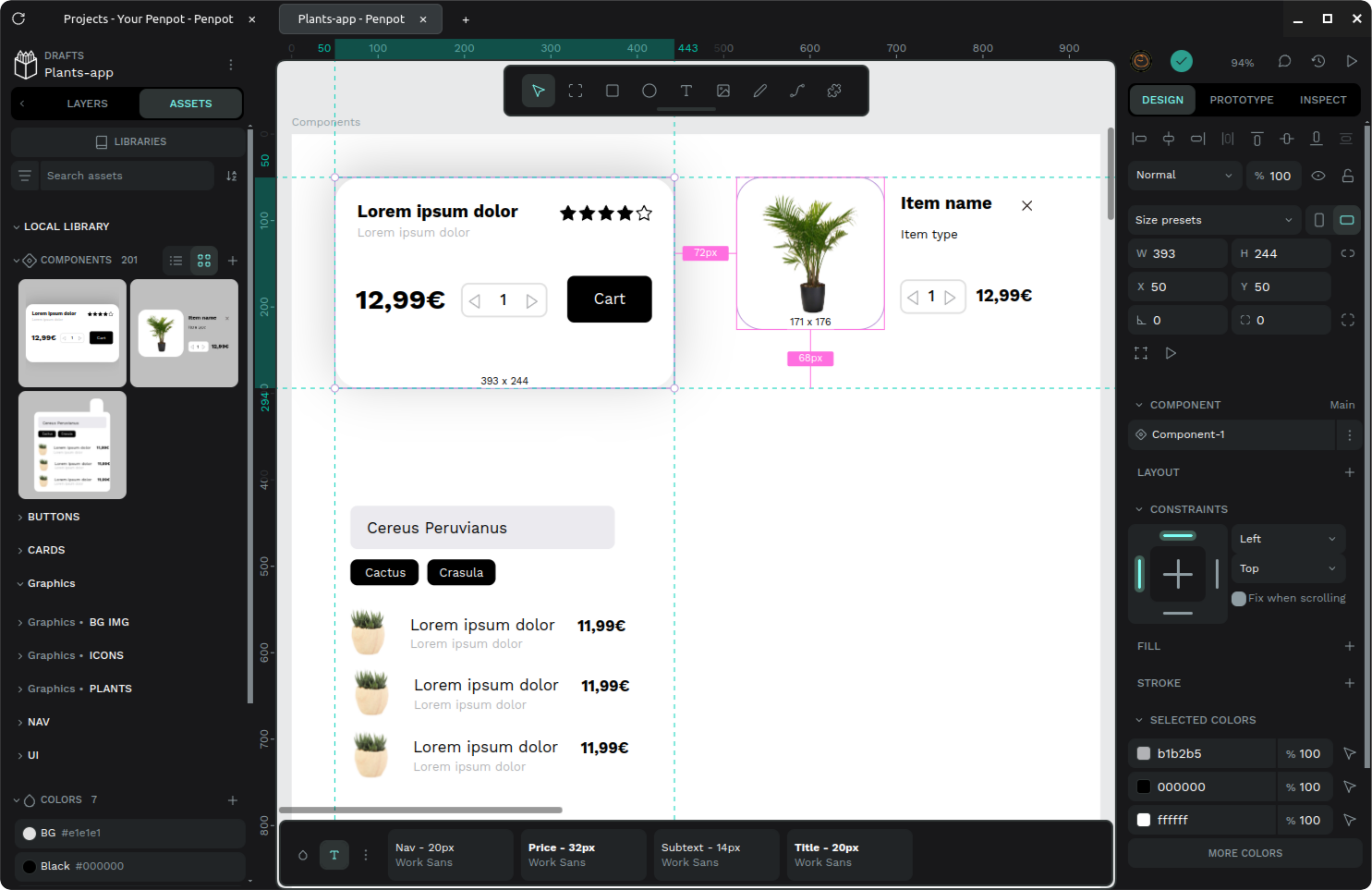
While the core platform is famous for its web-based collaborative features, this standalone client introduces several workflow improvements that change how you interact with your canvas:
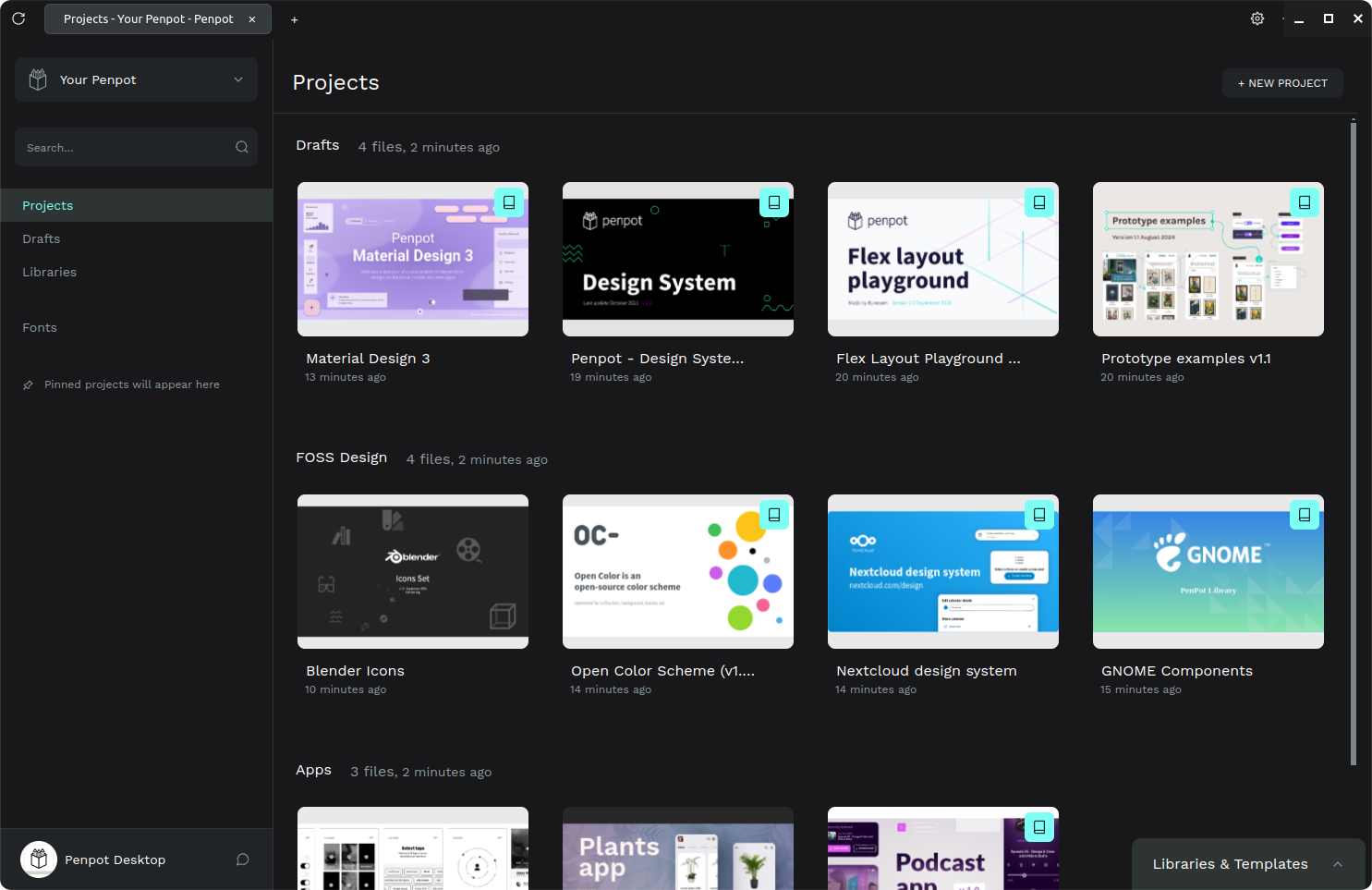
- Multi-Project Navigation: A clean tabbed interface allows you to switch between different design files and prototypes without cluttering your system's browser tabs.
- Flexible Instance Connections: You can easily point the application to the official hosted cloud service or connect to a local, self-hosted instance for offline-ready workflows.
- System Integration: Enjoy native window controls, dedicated file extension associations, and a cohesive user experience designed specifically for the Linux desktop.
- Adaptive Visual Modes: A versatile dark and light mode setup ensures that your workspace matches your ambient lighting and personal aesthetic preferences.
Who is This Design Application For?
This software is tailored specifically for UI/UX designers, front-end developers, and product teams who rely on open standards. Because it uses SVG as its native format, the Penpot Desktop open-source design tool eliminates proprietary lock-in. Teams can co-create layout systems, construct interactive prototypes, and inspect code side-by-side in a secure, self-hosted environment if required.
Streamlined Collaboration on Linux
Having a dedicated desktop window means your creative assets are always just a shortcut away. It prevents accidental tab closures and keeps your workspace organized. Whether you are drafting initial wireframes or preparing high-fidelity mockups for production, this application keeps your design environment stable and highly performant.
How to Get Started
If you are ready to elevate your collaborative design workflow with a native-feeling client, you can find more information and access the installation package directly on its official distribution page. Head over to the Flathub Store page to integrate this powerful tool into your creative suite today.
Rate the App
User Reviews




Popular Apps







Editor's Choice